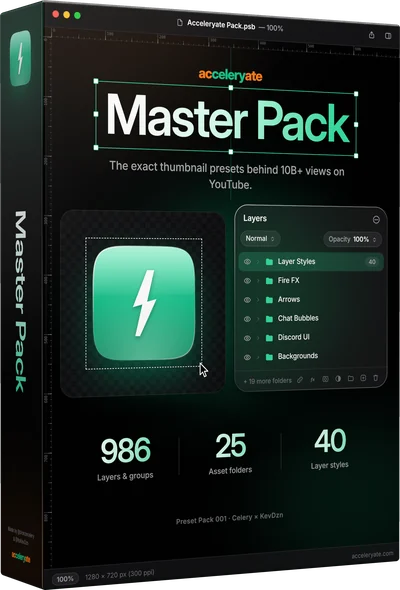
Master Pack
Everything we use: 25 folders, 7 AI prompt templates and 40 layer styles.
986 layers & groups25 folders7 AI prompt templates
$49.99
Buy →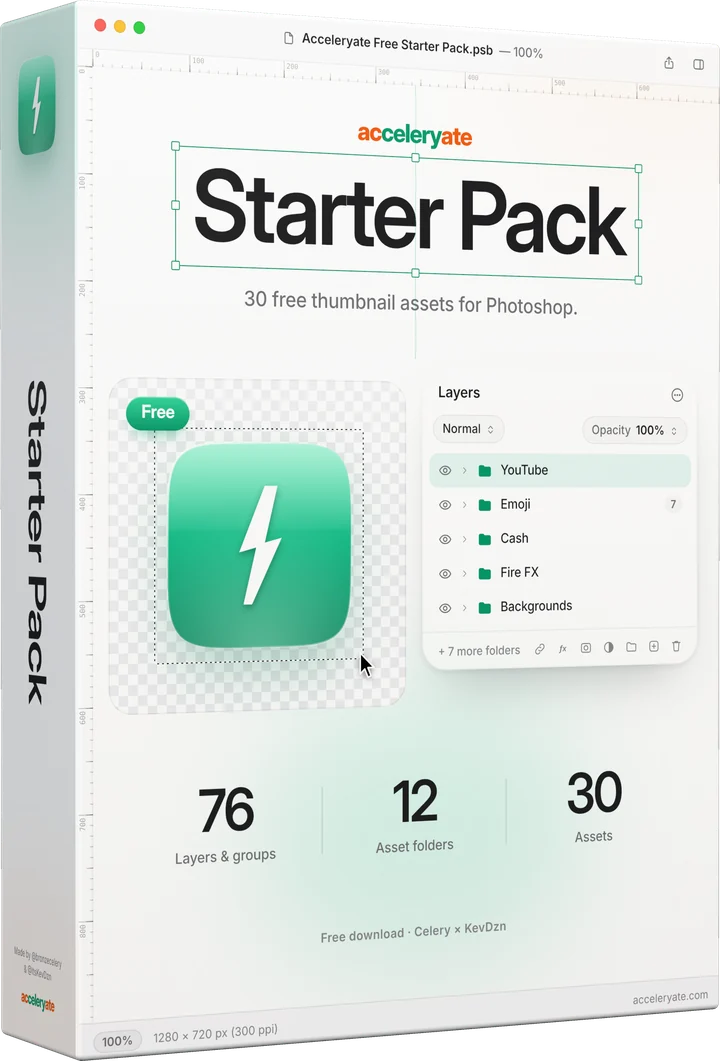
30 thumbnail assets to try the acceleryate workflow: a YouTube live ring, a tweet, an iPhone notification, emoji, cash, fire and backgrounds. Free.
Free · Instant download
These previews are rendered from the pack file itself. Here they're small and watermarked; in the pack every layer is full quality and editable.
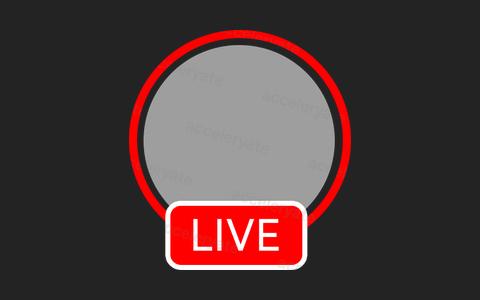
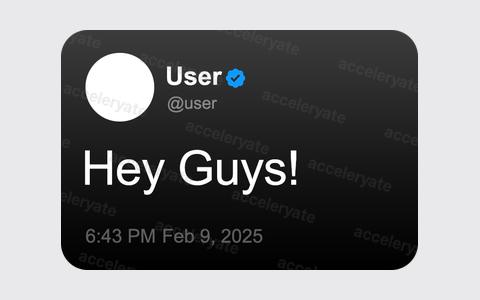
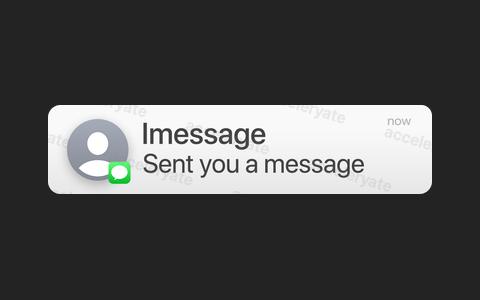
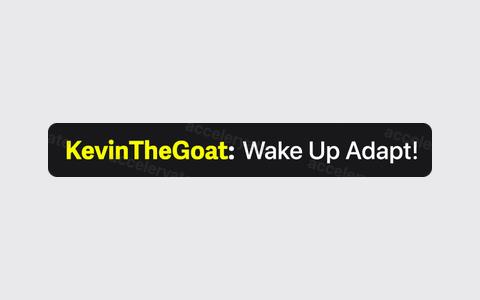
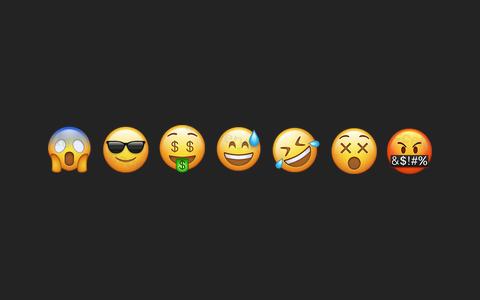


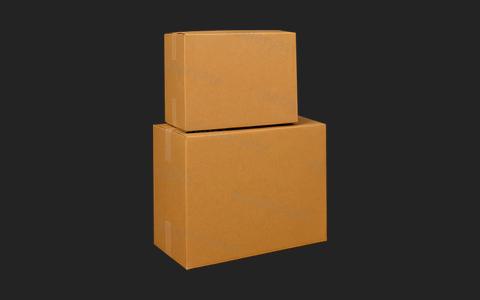

Tap a folder in the Layers panel to see just that folder. The number next to each folder is how many layers it holds. Dimmed folders have no preview here, but they're in the pack.
It’s free. Grab it and the download link shows up right away.
Everything lives in one file, Acceleryate Free Starter Pack.psb, sorted into 12 folders.
Click the eye next to a folder, then drag the layer onto your thumbnail. Most assets are smart objects or live text, so they stay editable.
Everything we use: 25 folders, 7 AI prompt templates and 40 layer styles.
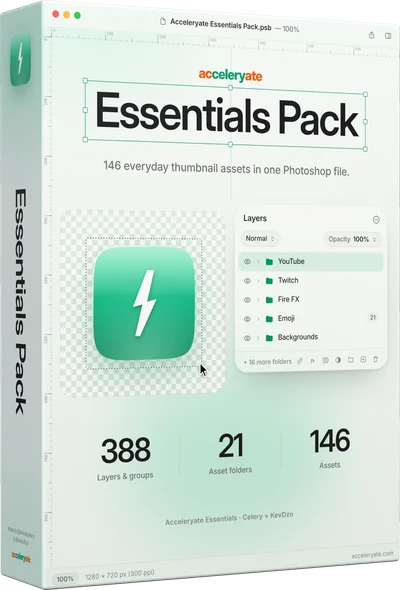
146 everyday assets across 21 folders, picked from the Master Pack.
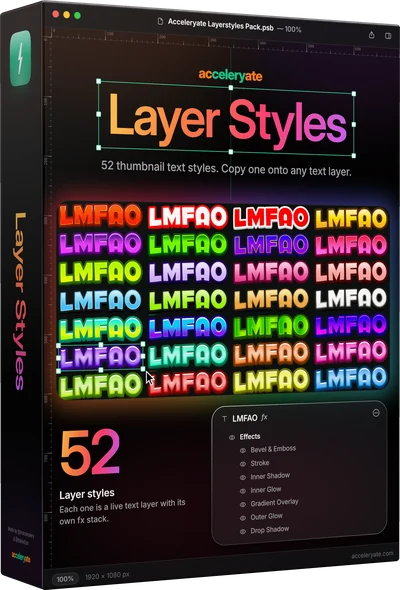
52 text styles. Copy one onto any text layer.
Yes. It costs nothing and it’s yours to keep.
Adobe Photoshop (CC 2020 or newer) and basic Photoshop experience: turning layers on and off, moving and resizing them, and editing text.
Everything in the Free Starter Pack is also in Essentials and the Master Pack. Essentials has 146 assets across 21 folders; the Master Pack has the full 986 layers and groups.
No. If a text layer uses a font you don’t have, Photoshop will ask to replace it with one you do.
30 thumbnail assets, free. Upgrade to Essentials or the Master Pack whenever you want more.