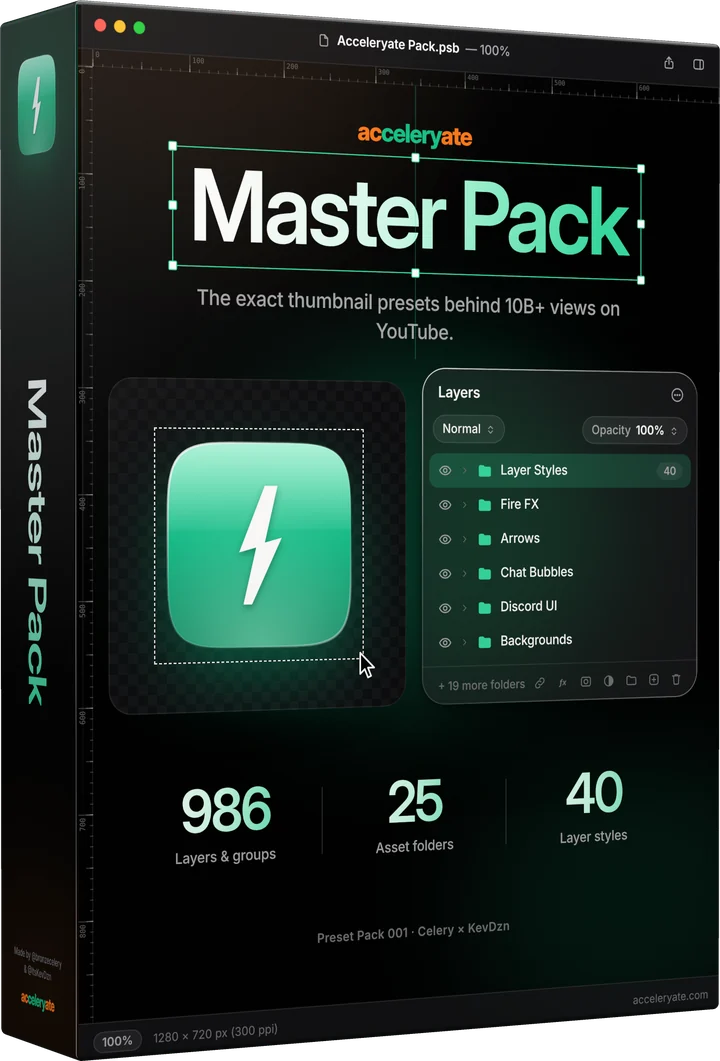
Master Pack box
Preset Pack 001  •  Celery × KevDzn  •  V 1.0

Master Pack.

The exact presets behind 10B+ views on YouTube. Every UI mock, FX layer, background, template and AI prompt template we use to package thumbnails, in one Photoshop file.

$49.99
986 layers & groups25 folders7 AI prompt templates.PSB · 1280 × 720 px2.1 GB download

One-time purchase · Instant download · No subscription

986
Layers & groups
25
Asset folders
40
Layer styles
walkthrough

Pack walkthrough.

Full video walkthrough of every layer, template, and preset in the Master Pack.

what's inside

Every folder, opened up.

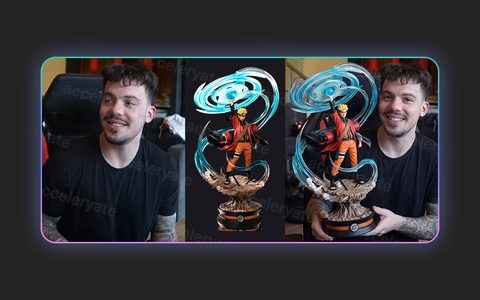
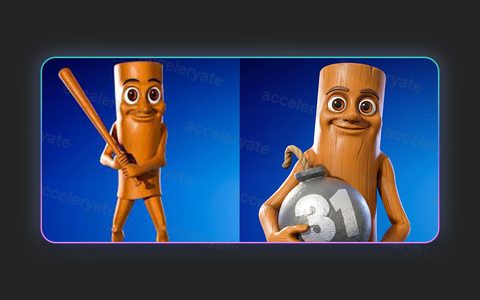
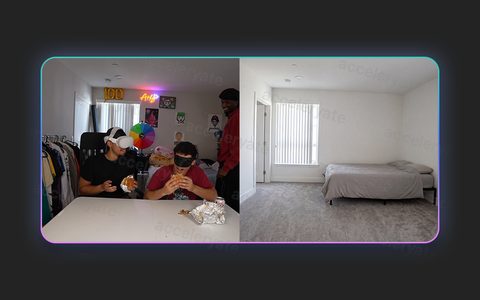
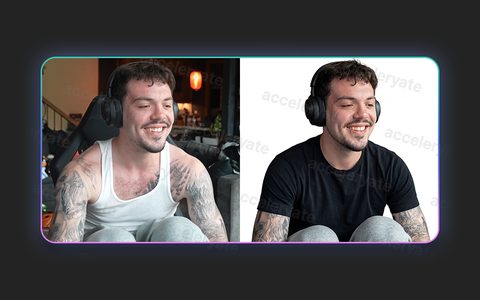
These previews are rendered from the pack file itself. Here they're small and watermarked; in the pack every layer is full quality and editable.

100 previews
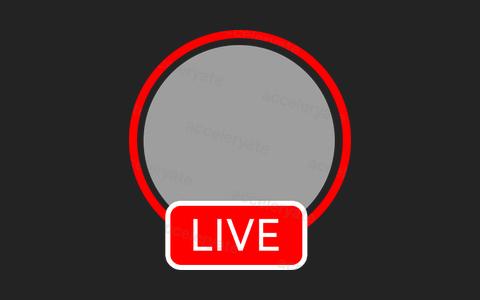
  • Google: Live ring preview
    Live ringGoogle
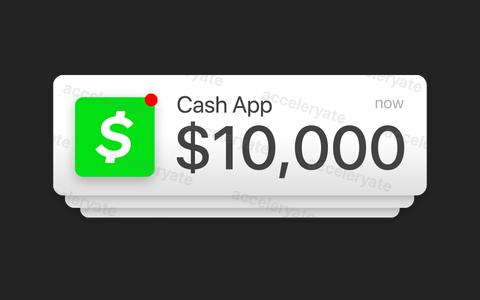
  • Random UI: Cash App notification preview
    Cash App notificationRandom UI
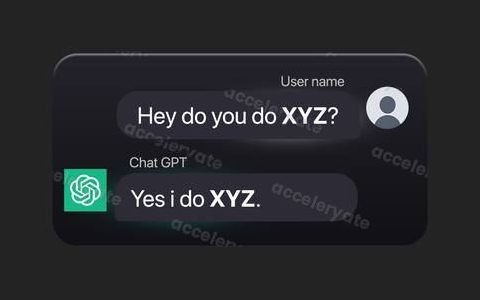
  • ChatGPT: ChatGPT chat preview
    ChatGPT chatChatGPT
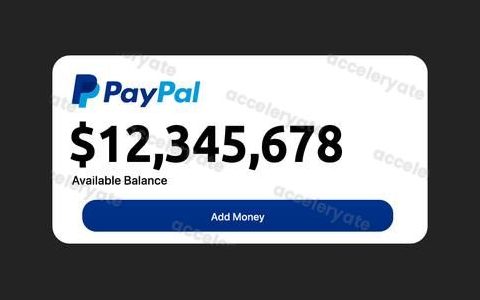
  • PayPal balance: PayPal balance preview
    PayPal balancePayPal balance
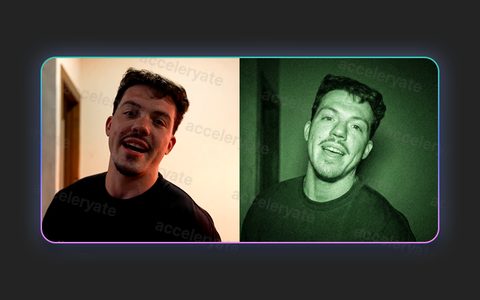
  • AI prompts: Night vision preview
    Night visionAI prompts
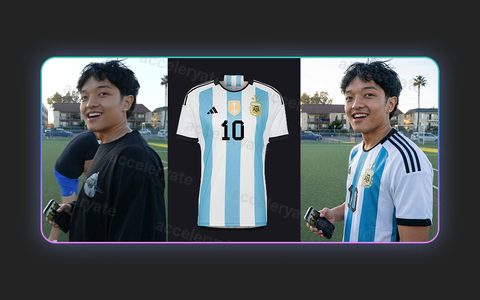
  • AI prompts: Shirt & jersey swap preview
    Shirt & jersey swapAI prompts
  • Fire FX: Fire wall preview
    Fire wallFire FX
  • Cash: Cash fan preview
    Cash fanCash
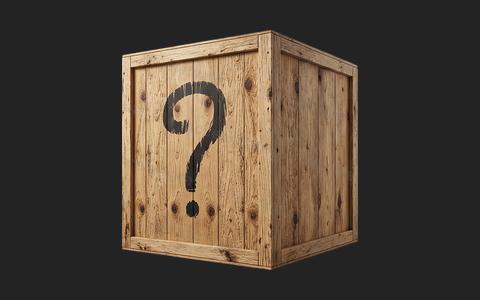
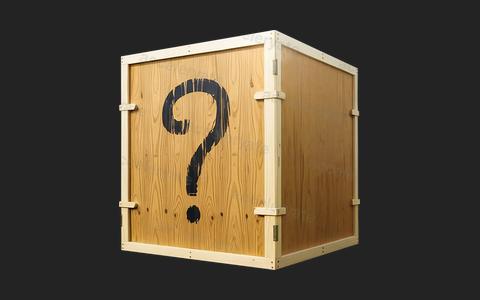
  • Crates: Mystery crate preview
    Mystery crateCrates
  • Backgrounds: Wembley stadium preview
    Wembley stadiumBackgrounds
  • Common thumbnail layouts: Guess the blank preview
    Guess the blankCommon thumbnail layouts
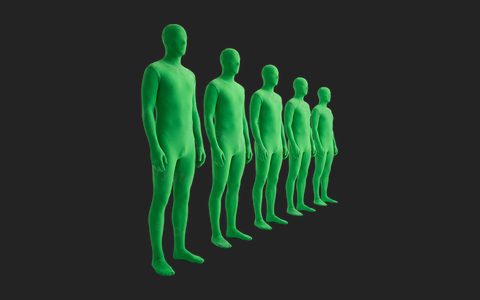
  • Common thumbnail layouts: Morph suits preview
    Morph suitsCommon thumbnail layouts
  • Google: YouTube page preview
    YouTube pageGoogle
  • Google: Like & dislike preview
    Like & dislikeGoogle
  • Google: Title & channel preview
    Title & channelGoogle
  • Google: Thumbnail frame preview
    Thumbnail frameGoogle
  • Google: Search bar preview
    Search barGoogle
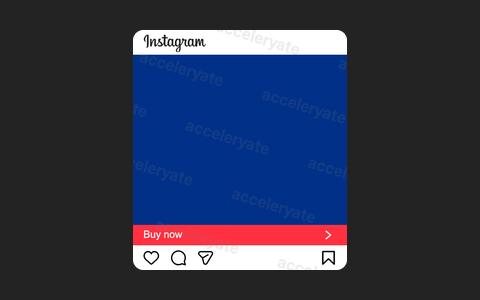
  • Instagram: Post preview
    PostInstagram
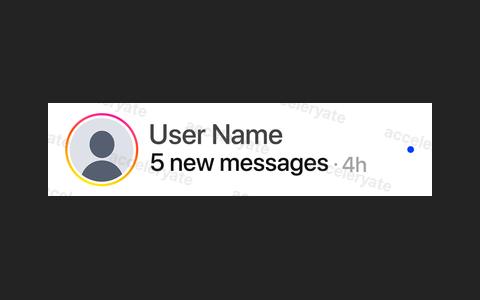
  • Instagram: DM preview
    DMInstagram
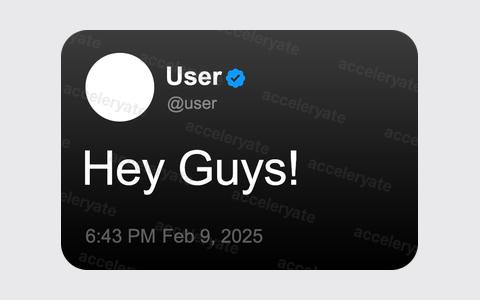
  • Tweet: Dark mode tweet preview
    Dark mode tweetTweet
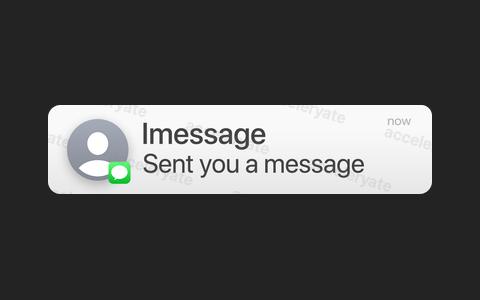
  • Random UI: iPhone notification preview
    iPhone notificationRandom UI
  • Random UI: iPhone notification, dark preview
    iPhone notification, darkRandom UI
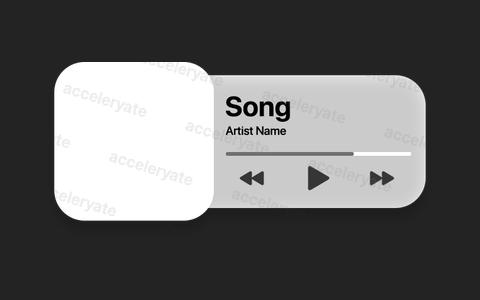
  • Random UI: Music player preview
    Music playerRandom UI
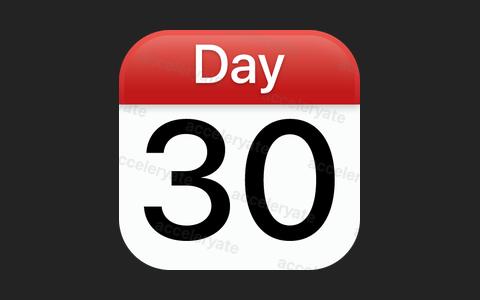
  • Random UI: Calendar preview
    CalendarRandom UI
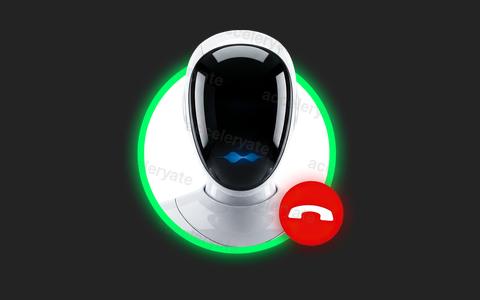
  • Random UI: Call screen preview
    Call screenRandom UI
  • Random UI: Map ping preview
    Map pingRandom UI
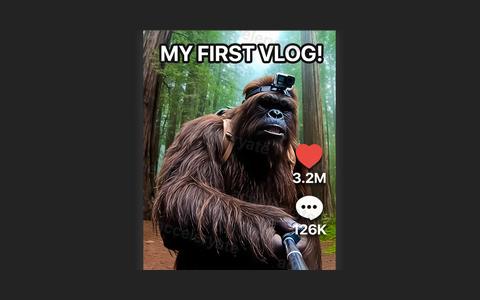
  • Random UI: TikTok UI preview
    TikTok UIRandom UI
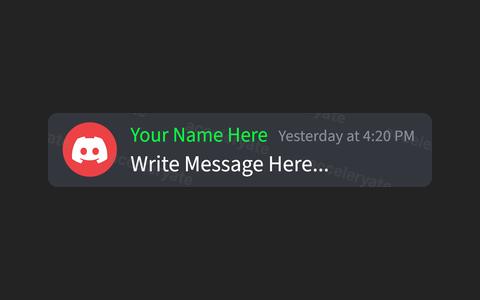
  • Discord UI: Notification preview
    NotificationDiscord UI
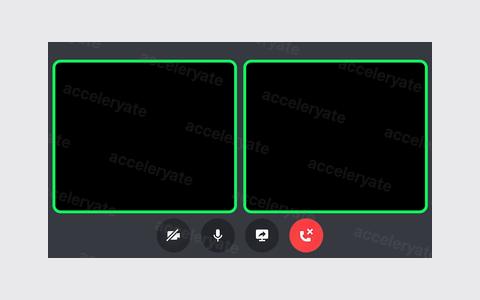
  • Discord UI: Call, 2 people preview
    Call, 2 peopleDiscord UI
  • Twitch: Chat message preview
    Chat messageTwitch
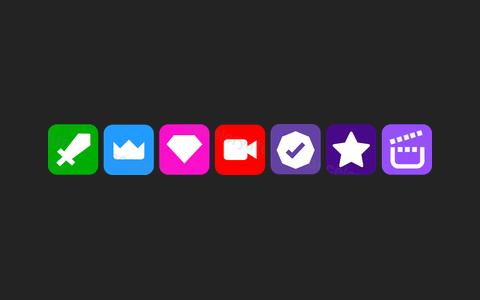
  • Twitch: Chat role badges preview
    Chat role badgesTwitch
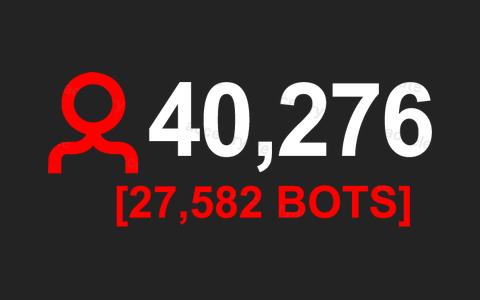
  • Twitch: Viewers & bots preview
    Viewers & botsTwitch
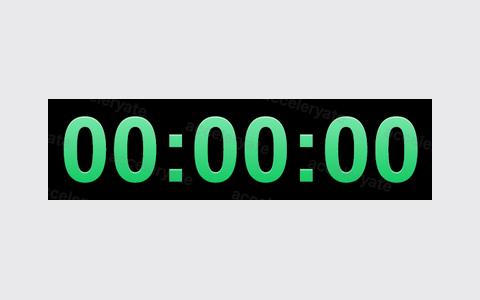
  • Twitch: Stream timer preview
    Stream timerTwitch
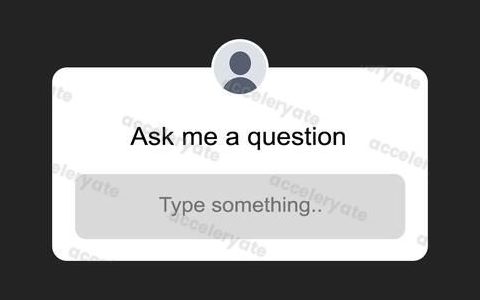
  • Instagram: Ask me a question preview
    Ask me a questionInstagram
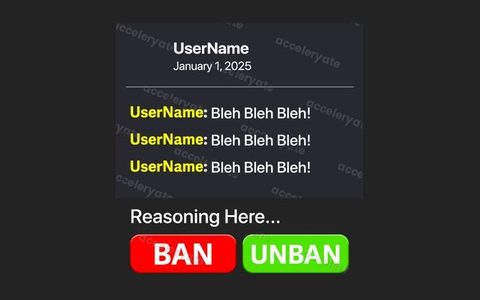
  • Twitch: Ban request preview
    Ban requestTwitch
  • Google: Search suggestions preview
    Search suggestionsGoogle
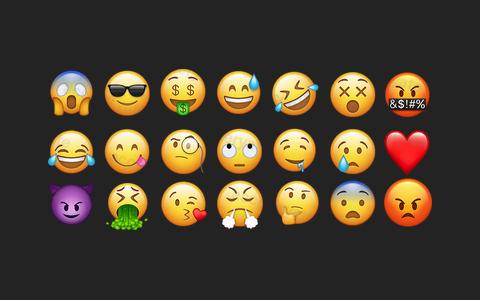
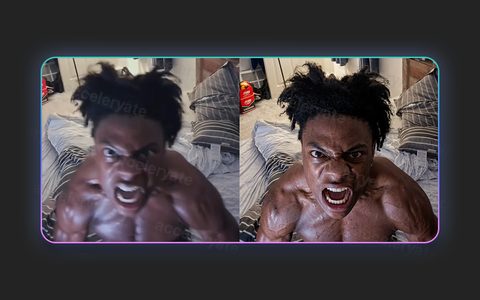
  • Emoji: 21 emoji preview
    21 emojiEmoji
  • Chat bubbles: 5 bubbles preview
    5 bubblesChat bubbles
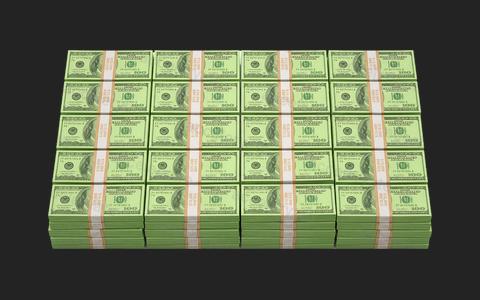
  • Cash: Cash wall preview
    Cash wallCash
  • Cash: Cash pile preview
    Cash pileCash
  • Cash: Cash spread preview
    Cash spreadCash
  • Cash: Cash stack preview
    Cash stackCash
  • Cash: Cash in hand preview
    Cash in handCash
  • Crates: Mystery crate, light preview
    Mystery crate, lightCrates
  • Boxes: Box stack preview
    Box stackBoxes
  • Boxes: Box tower preview
    Box towerBoxes
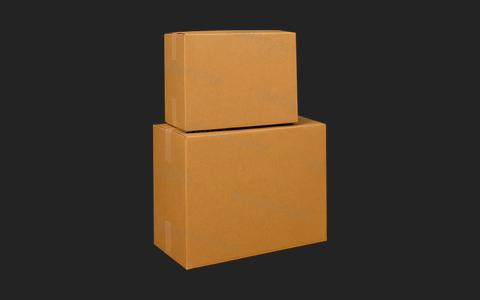
  • Boxes: Two boxes preview
    Two boxesBoxes
  • Boxes: Box pile preview
    Box pileBoxes
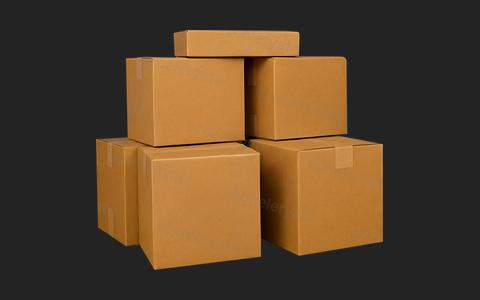
  • Boxes: Box group preview
    Box groupBoxes
  • Arrows: 5 arrows preview
    5 arrowsArrows
  • Fire FX: Fire columns preview
    Fire columnsFire FX
  • Fire FX: Flame preview
    FlameFire FX
  • Fire FX: Twin flames preview
    Twin flamesFire FX
  • Fire FX: Fire line preview
    Fire lineFire FX
  • Fire FX: Small fire preview
    Small fireFire FX
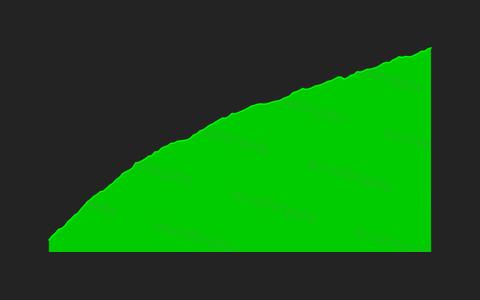
  • Stock charts: Chart 1 preview
    Chart 1Stock charts
  • Stock charts: Chart 2 preview
    Chart 2Stock charts
  • Stock charts: Chart 3 preview
    Chart 3Stock charts
  • Stock charts: Chart 4 preview
    Chart 4Stock charts
  • Other elements: Phone in hand preview
    Phone in handOther elements
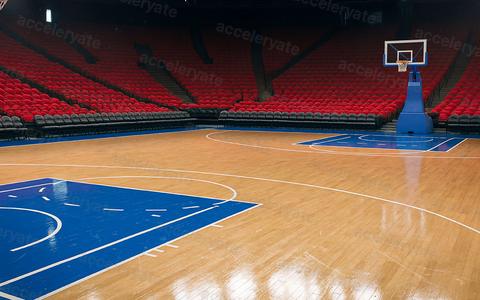
  • Backgrounds: Basketball court preview
    Basketball courtBackgrounds
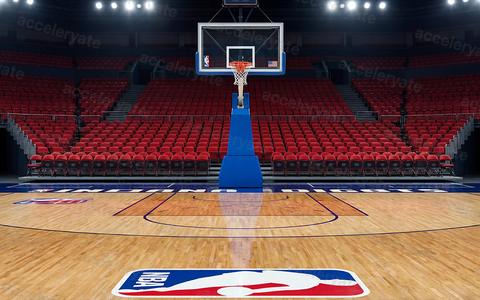
  • Backgrounds: Half court preview
    Half courtBackgrounds
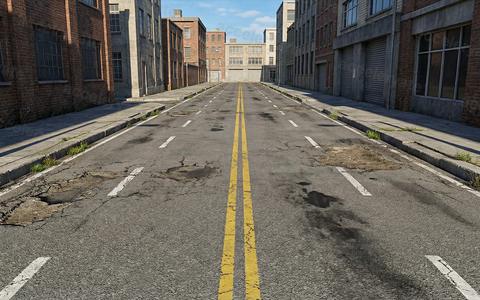
  • Backgrounds: Street preview
    StreetBackgrounds
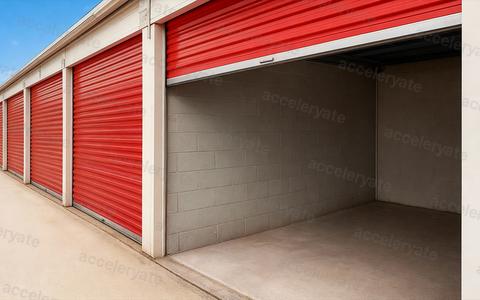
  • Backgrounds: Storage unit preview
    Storage unitBackgrounds
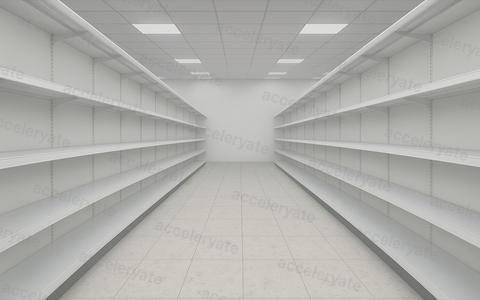
  • Backgrounds: Supermarket preview
    SupermarketBackgrounds
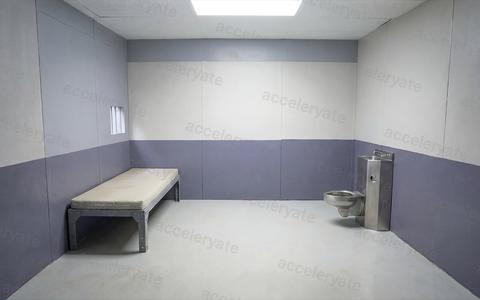
  • Backgrounds: Cell preview
    CellBackgrounds
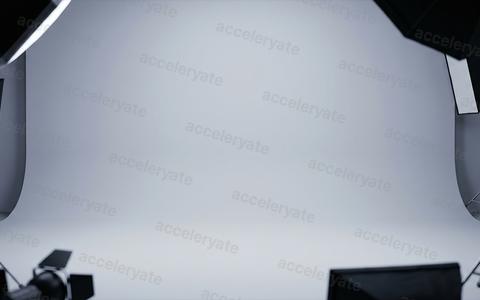
  • Backgrounds: Photo studio preview
    Photo studioBackgrounds
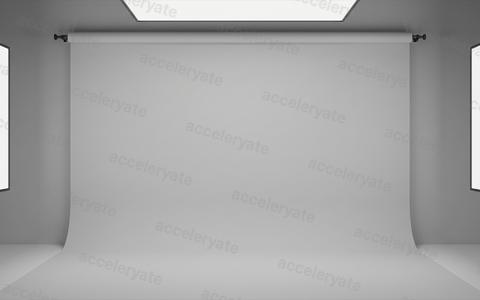
  • Backgrounds: White studio preview
    White studioBackgrounds
  • Backgrounds: Stock wall 1 preview
    Stock wall 1Backgrounds
  • Backgrounds: Stock wall 2 preview
    Stock wall 2Backgrounds
  • Backgrounds: Stock wall 3 preview
    Stock wall 3Backgrounds
  • Backgrounds: Stock wall 4 preview
    Stock wall 4Backgrounds
  • Backgrounds: Stock wall 5 preview
    Stock wall 5Backgrounds
  • Backgrounds: Stock wall 6 preview
    Stock wall 6Backgrounds
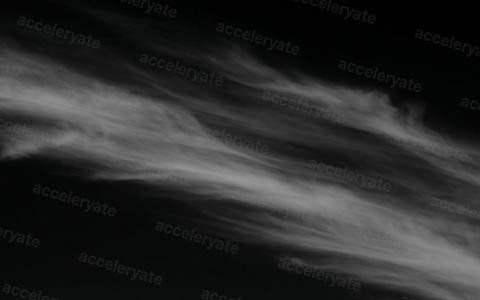
  • Background maker: Clouds 1 preview
    Clouds 1Background maker
  • Background maker: Clouds 2 preview
    Clouds 2Background maker
  • Background maker: Clouds 3 preview
    Clouds 3Background maker
  • Background maker: Sky gradient 1 preview
    Sky gradient 1Background maker
  • Background maker: Sky gradient 2 preview
    Sky gradient 2Background maker
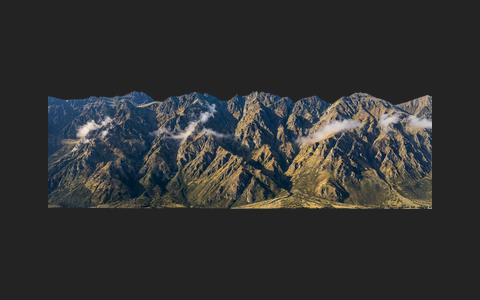
  • Background maker: Mountains preview
    MountainsBackground maker
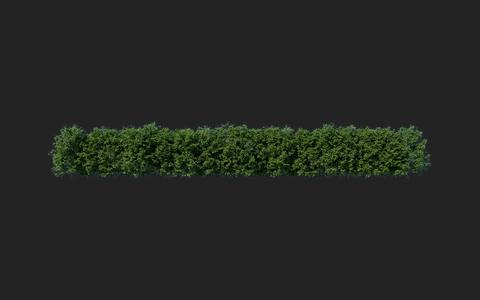
  • Background maker: Bushes 1 preview
    Bushes 1Background maker
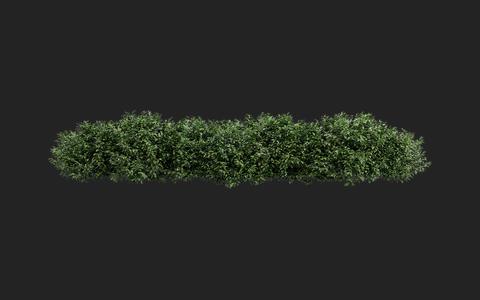
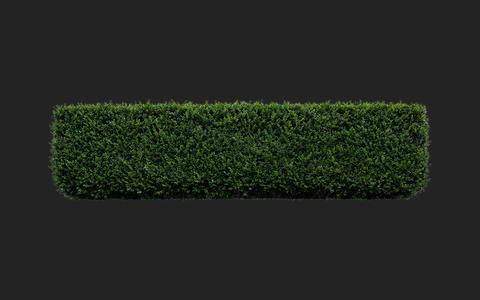
  • Background maker: Hedge preview
    HedgeBackground maker
  • Background maker: Bushes 2 preview
    Bushes 2Background maker
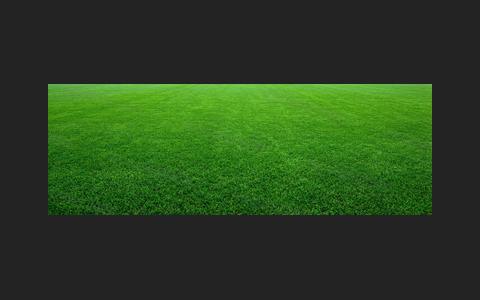
  • Background maker: Grass floor preview
    Grass floorBackground maker
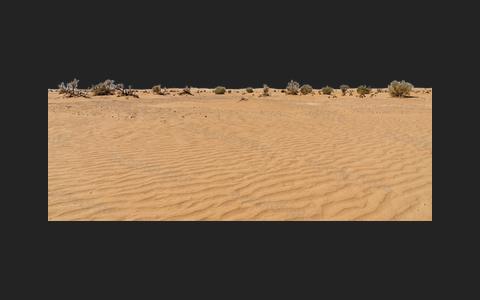
  • Background maker: Sand floor preview
    Sand floorBackground maker
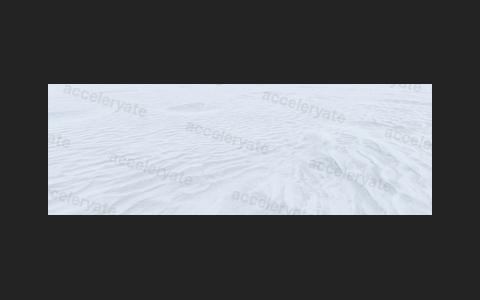
  • Background maker: Snow floor preview
    Snow floorBackground maker
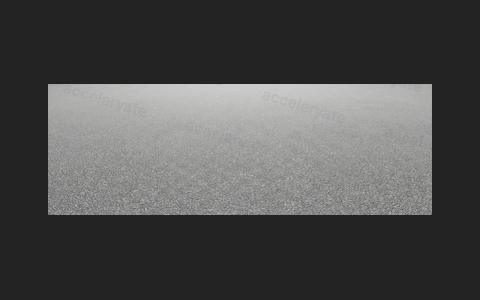
  • Background maker: Pavement preview
    PavementBackground maker
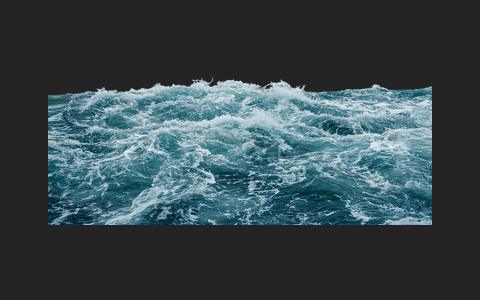
  • Background maker: Ocean waves preview
    Ocean wavesBackground maker
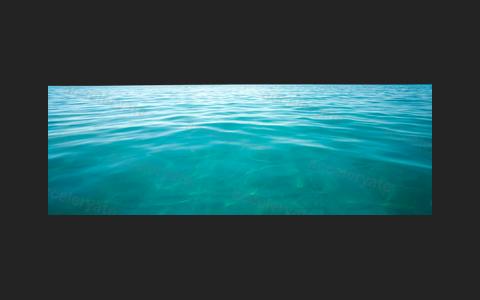
  • Background maker: Tropical water preview
    Tropical waterBackground maker
  • Backgrounds: Soccer stadium preview
    Soccer stadiumBackgrounds
  • Backgrounds: Soccer bench preview
    Soccer benchBackgrounds
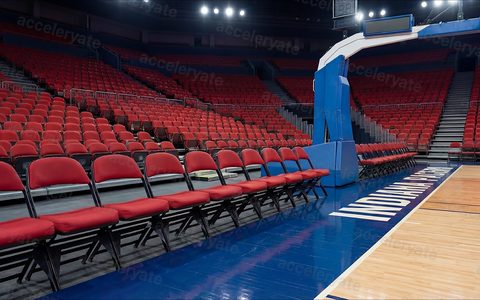
  • Backgrounds: Courtside seats preview
    Courtside seatsBackgrounds
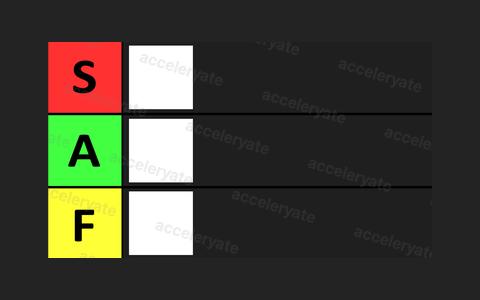
  • Tier list: S / A / F tier list preview
    S / A / F tier listTier list
  • Grid lines: 2-way split preview
    2-way splitGrid lines
  • Grid lines: 3-way split preview
    3-way splitGrid lines
  • AI prompts: Item add or swap preview
    Item add or swapAI prompts
  • AI prompts: Character altering preview
    Character alteringAI prompts
  • AI prompts: Clean room preview
    Clean roomAI prompts
  • AI prompts: High definition preview
    High definitionAI prompts
  • AI prompts: Easy cut-outs preview
    Easy cut-outsAI prompts

Tap a folder in the Layers panel to see just that folder. The number next to each folder is how many layers it holds. Dimmed folders have no preview here, but they're in the pack.

how it works

From download to thumbnail.

  1. Download the pack

    Check out on Lemon Squeezy and the download link shows up right away.

  2. Open it in Photoshop

    Everything lives in one file, Acceleryate Pack.psb, sorted into 25 folders.

  3. Turn on what you need

    Click the eye next to a folder, then drag the layer onto your thumbnail. Most assets are smart objects or live text, so they stay editable.

Adobe Photoshop (CC 2020 or newer)Basic Photoshop know-howFonts aren’t included
the lineup

More from acceleryate.

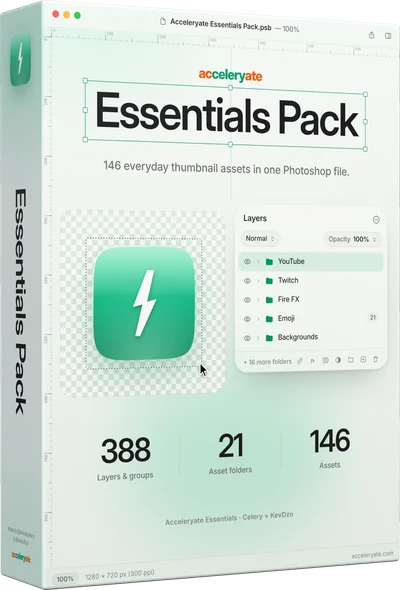
Essentials Pack box

Essentials Pack

146 everyday assets across 21 folders, picked from the Master Pack.

146 assets388 layers & groups21 folders
$24.99
Buy →
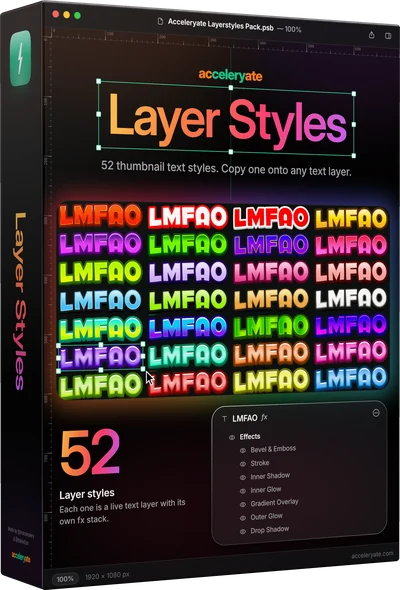
Layer Styles box

Layer Styles

52 text styles. Copy one onto any text layer.

52 styles13 setsLive text layers
$14.99
Buy →
questions

Before you grab it.

Do I need Photoshop to use this?

Yes. The Master Pack is built for Adobe Photoshop (CC 2020 or newer). Everything is delivered as layered, editable files so you can drag, swap, and customize every element.

Is this a one-time payment or a subscription?

One-time. You pay once, download instantly, and own it forever, including all future updates to the pack at no extra cost.

How is it different from Essentials and the Free Starter Pack?

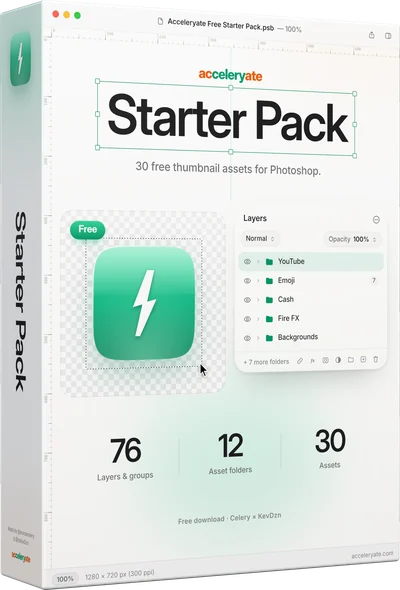
The Master Pack is the whole library: 986 layers and groups in 25 folders, including the AI prompt templates, ChatGPT and PayPal mockups and 40 layer styles. Essentials and the Free Starter Pack are hand-picked from it.
Will this work for my niche?

The pack is niche-agnostic. With 986 layers, 8 platform mockups, unlimited backgrounds, and 40+ FX elements, it’s built to package thumbnails for any style of channel: gaming, lifestyle, commentary, or vlogs.

How do I get it after buying?

Instantly. After checkout on Lemon Squeezy you get immediate access to download the pack. No waiting, no shipping.

Ready to engineer your growth?

Join 50+ creators already using acceleryate presets.

$49.99
Get the Master Pack →
One-time payment Instant download Made for Photoshop
$49.99
Get the Master Pack →