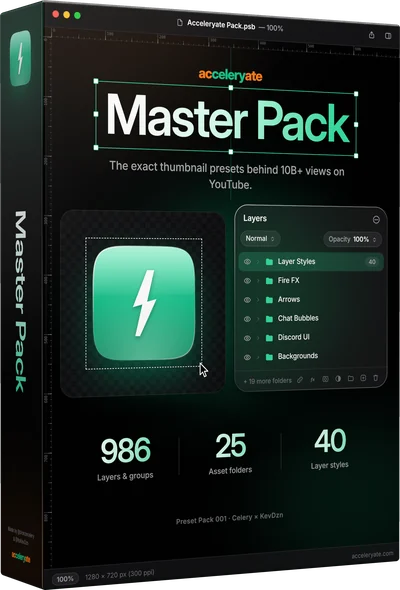
Master Pack
Everything we use: 25 folders, 7 AI prompt templates and 40 layer styles.
986 layers & groups25 folders7 AI prompt templates
$49.99
Buy →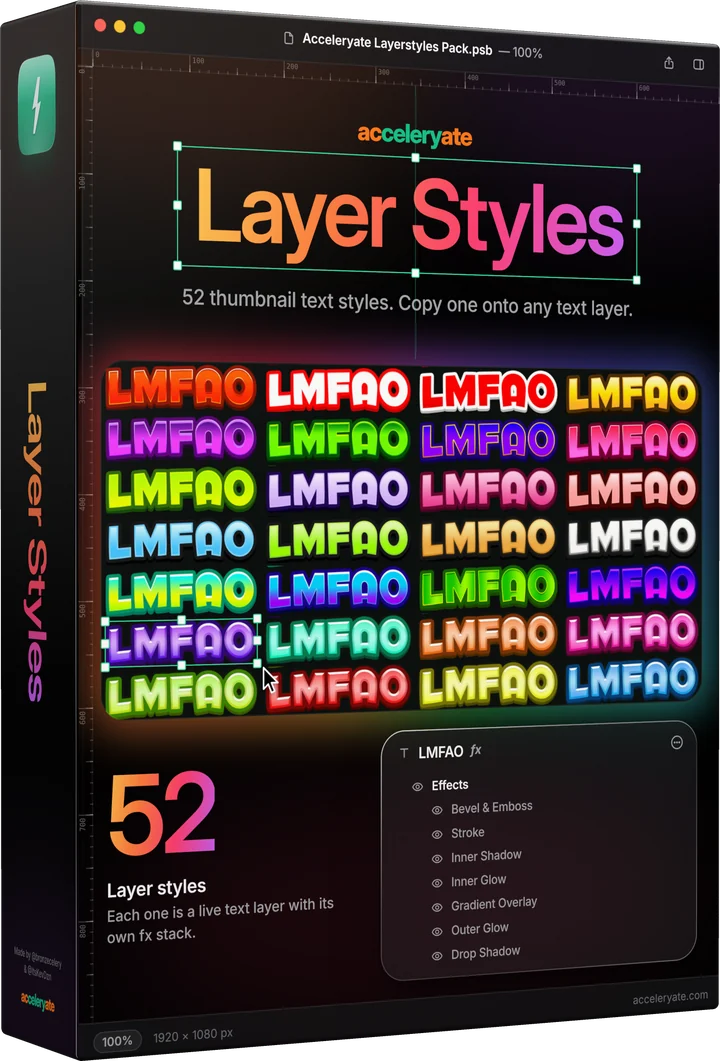
52 thumbnail text styles, each on its own live text layer. Copy a style, paste it onto any text in Photoshop, and your title is done.
One-time purchase · Instant download · No subscription
Rendered in Photoshop from the pack file. Each style lists the effects it's built from, read from the file. Filter by an effect to find the look you want.






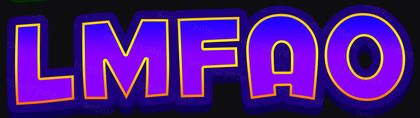
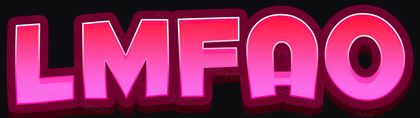




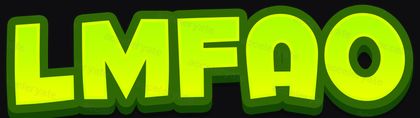

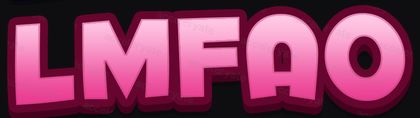



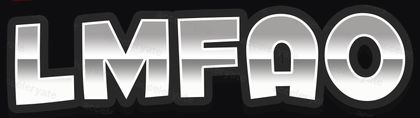





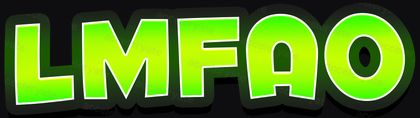


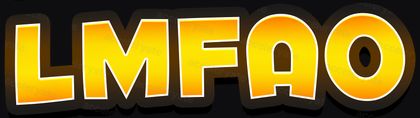

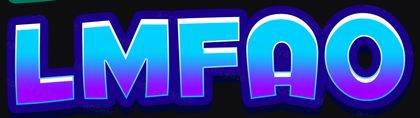

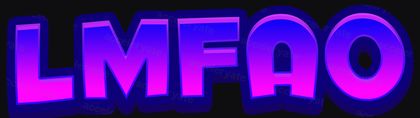
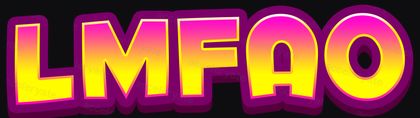
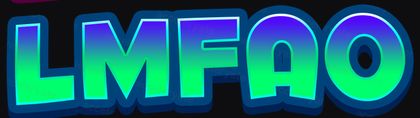
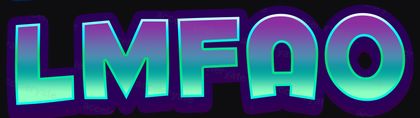
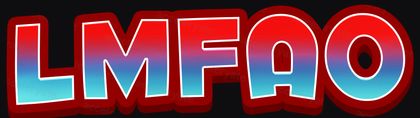
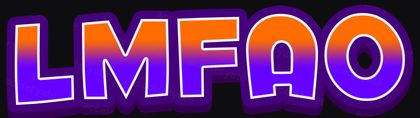
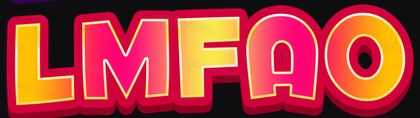









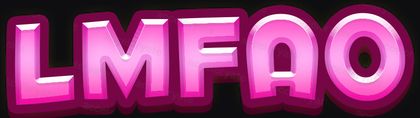

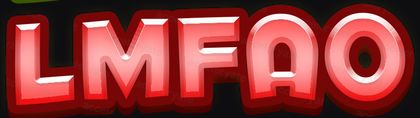
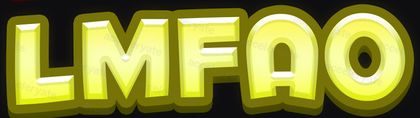

Samples are flattened, low-resolution previews. In the pack every style is a live text layer, so you copy the style itself, not a picture of it.
Check out and the download link shows up right away. It’s one small Photoshop file.
Open Acceleryate Layerstyles Pack.psb. The 52 styles sit in 13 folders of four, each on a live text layer.
Right-click a style’s layer and choose Copy Layer Style. Right-click your own text and choose Paste Layer Style.
Everything we use: 25 folders, 7 AI prompt templates and 40 layer styles.
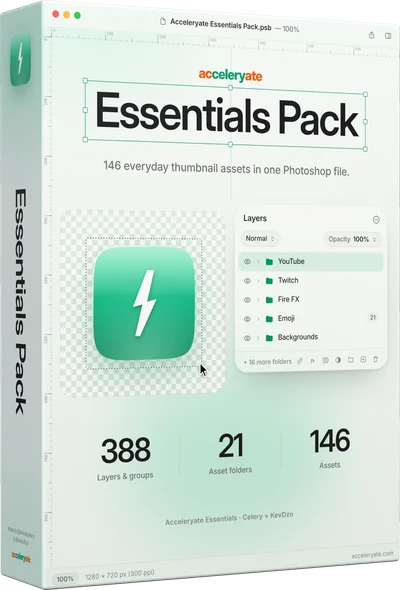
146 everyday assets across 21 folders, picked from the Master Pack.
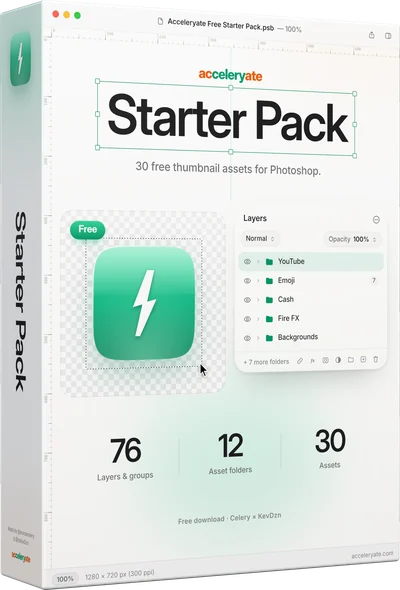
30 assets to try the workflow, on us.
Adobe Photoshop (CC 2020 or newer). Copying and pasting a layer style takes two right-clicks.
Yes. A layer style is a stack of effects, so it applies to whatever font your text layer uses. Some styles have strokes and glows that look best on bold fonts.
No. Layer Styles is its own set of 52. The Master Pack comes with a separate folder of 40.
One-time. You pay once, download instantly, and keep it.
Instantly. After checkout on Lemon Squeezy you get immediate access to download the pack. No waiting, no shipping.
52 styles you can paste onto any text layer.